
Package summary
- Languages
- German
- English
- Latest version
- 1.1.2.0
- Dependencies
- php: ^8.1
- contao/core-bundle: ^5.3
- doctrine/dbal: ^3.6 || ^4.3
- symfony/asset: ^6.4 || ^7.0 || ^8.0
- symfony/config: ^6.4 || ^7.0 || ^8.0
- symfony/dependency-injection: ^6.4 || ^7.0 || ^8.0
- symfony/http-foundation: ^6.4 || ^7.0 || ^8.0
- symfony/http-kernel: ^6.4 || ^7.0 || ^8.0
- symfony/security-bundle: ^6.4 || ^7.0 || ^8.0
- symfony/service-contracts: ^3
- symfony/translation: ^6.4 || ^7.0 || ^8.0
- symfony/translation-contracts: ^3
- twig/intl-extra: ^3.24
- twig/twig: ^3
Features
Easy management of translations
The extension adds a new menu item called “Translations” to the Contao backend. This allows you to define and override texts that are output via Symfony Translator. You can use translations in your Twig templates and allow a backend editor to manage the translations accordingly. Or you can use language files to control simple placeholder texts, such as the customer address in the footer and similar elements.
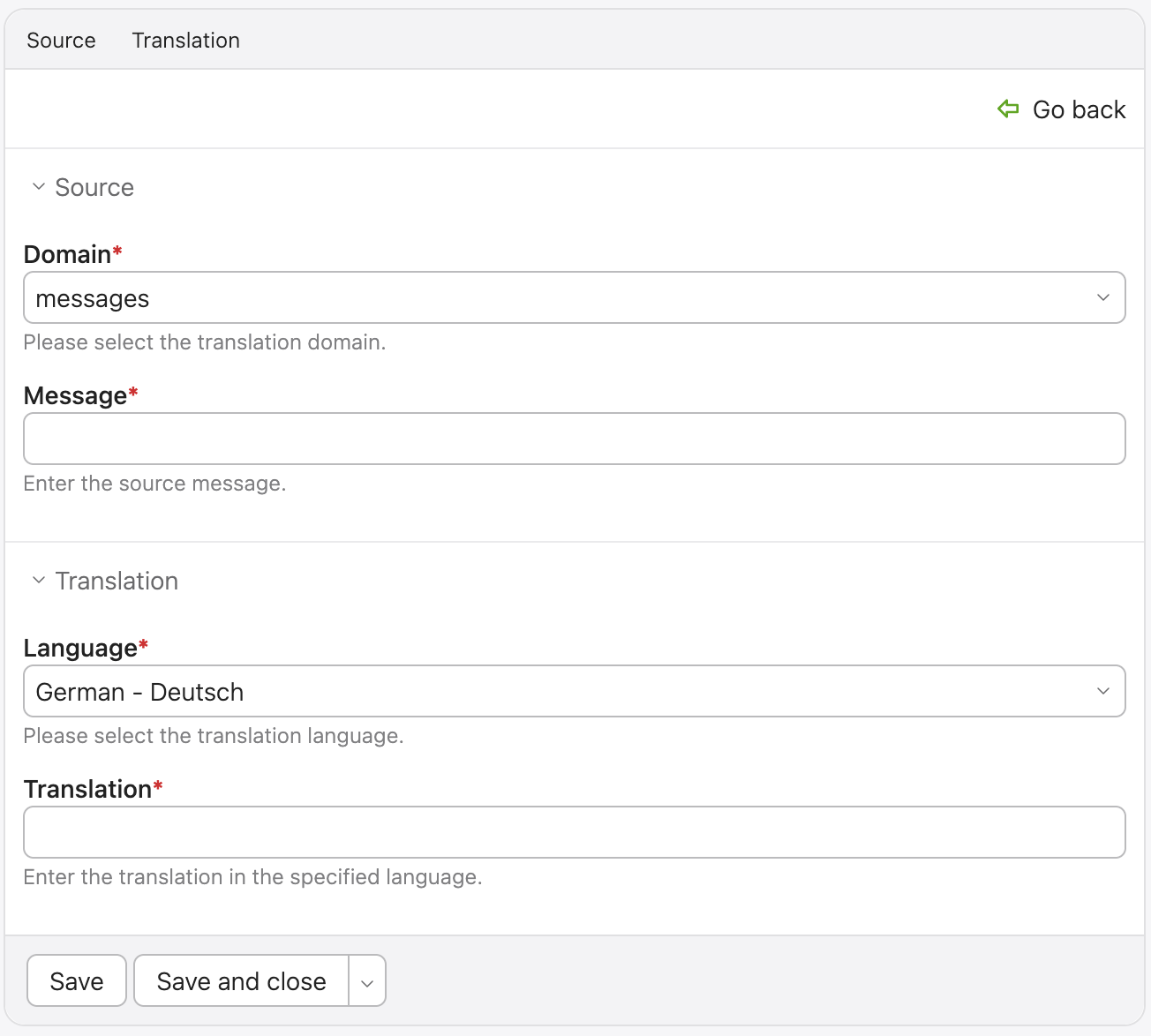
Viewing and Editing Input Fields
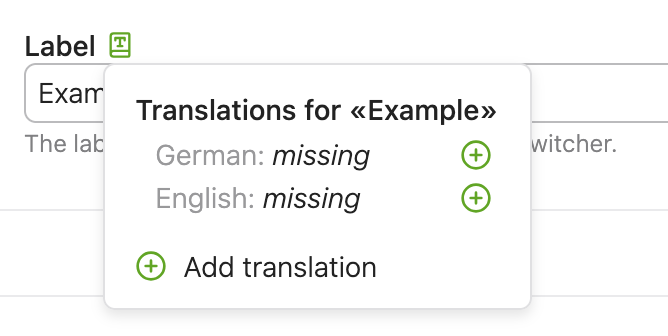
Fields defined in the DCA can be marked as translatable via PHP code. Extensions can include this functionality by default if they wish to support our extension. For these fields, a small icon appears next to the field label in Contao, indicating that translations are available. Additionally, quick links are provided to enter translations for all languages of the existing root pages.
One-click translation with DeepL
If the “Translations with DeepL” extension from numero2 is also installed and configured, text in the backend input form can be translated with the click of a button. Simply enter a term and click the corresponding button in the “Translation” field. The API handles the rest (provided there are enough credits available).
Built-in caching
The extension is designed to ensure maximum efficiency when used in the frontend. Typically, one file is loaded in the Symfony Translator per message domain and language. The extension requires only a single database query per message domain and language.
Limitation: Contao language files
Using the backend translations, you can override all text, including Contao's. To do this, you need to know the message name and the domain (e.g., MSC.submitBtn and contao_default), and the Symfony Translator must be used in the appropriate place. Texts retrieved via $GLOBALS do not work yet.