Conditions for messages
With conditions for messages, you can define conditions in addition to the standard publication fields that must be met for a message to be sent.
Example
You want to send all emails to the sales department. Urgent inquiries should in addtion be sent to a special team. The customer himself decides in the form whether it is an urgent inquiry.
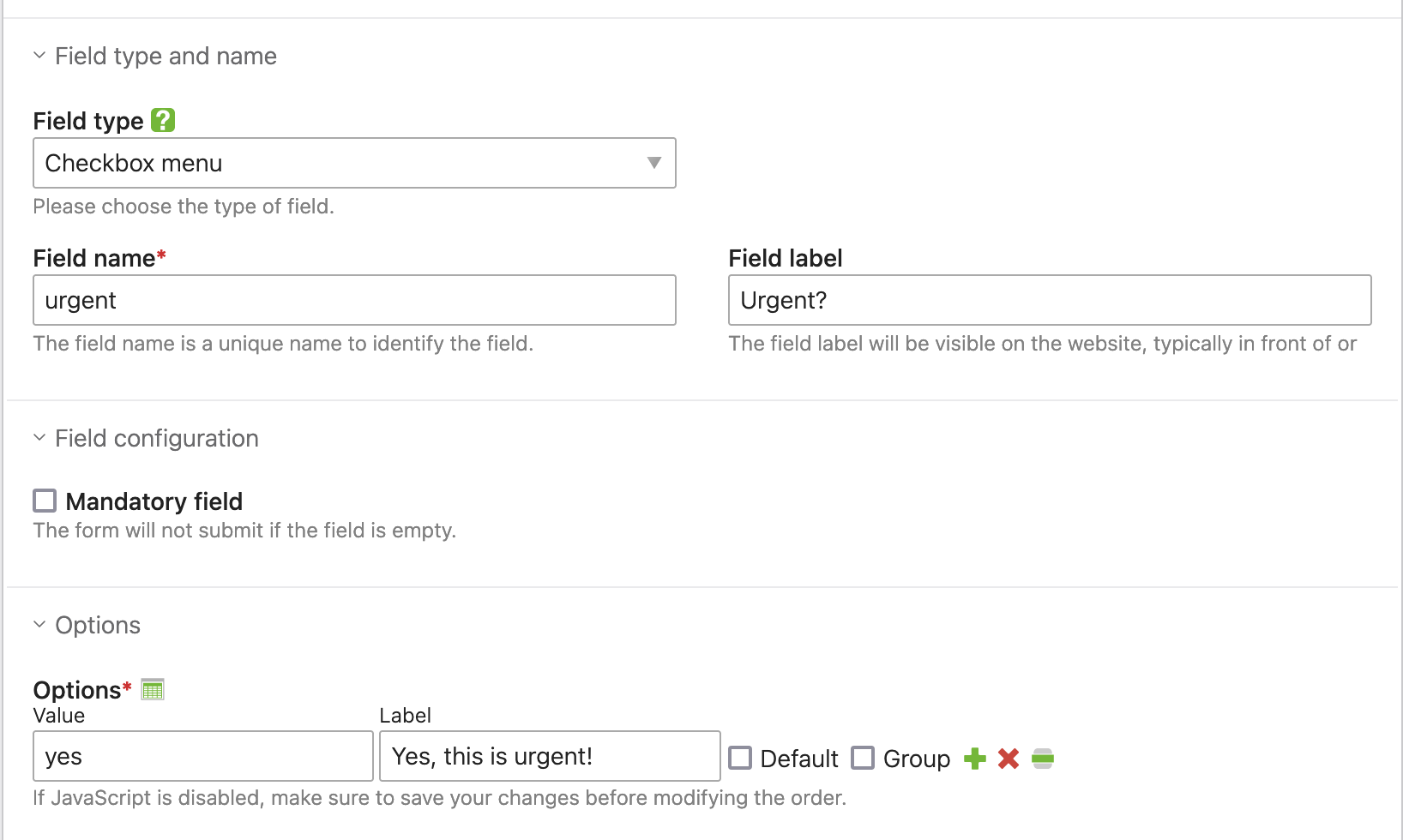
Then let’s create the checkbox in our form:
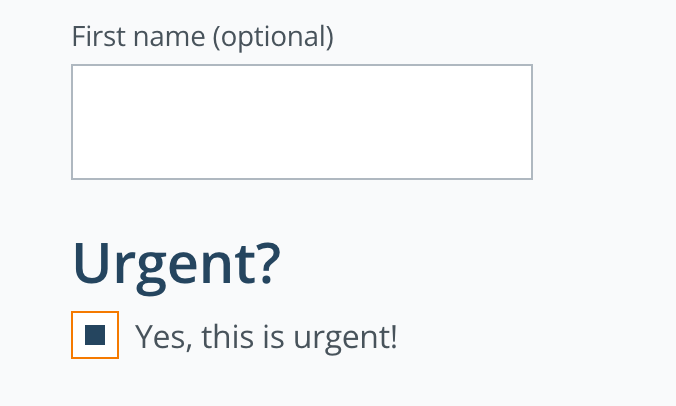
In the front end, it looks something like this for our customers:
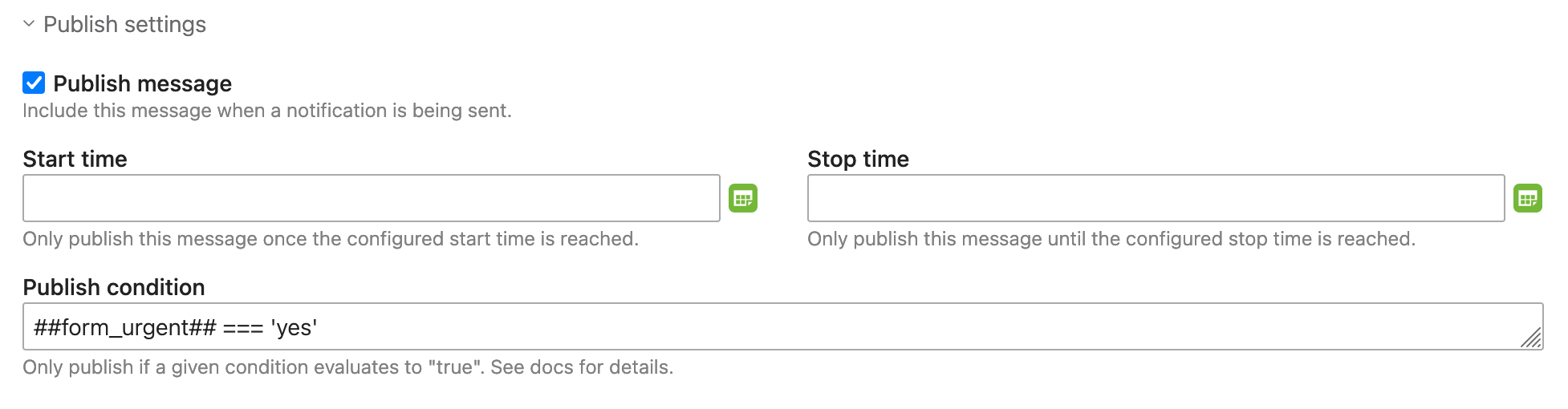
Now we can use ##form_urgent## === 'yes' to send an entire message only if the customer has ticked this checkbox:
Note
Technically speaking, you don’t need the ## when defining conditions. They are removed before being evaluated. Using them
is only for your own usability as they trigger autocompletion. But you might as well write form_urgent === 'yes' directly. Both
variants will work. Conditions within the e-mail text, for example, are also written without the ## (e.g. {if form_urgent === 'yes'}).
Tip
You can use whatever syntax Contao “Simple Tokens” support, which internally use the Symfony Expression Language Syntax.
That means, more complex combinations such as (form_postal_code in 90000..919999 or form_postal_code == 9277) and form_selection == 1 are
no problem at all! However, if your condition becomes more complex or you want to re-use it maybe in multiple notifications,
this feature becomes particularly powerful in combination with custom tokens!